Display your ChMS Directory within your Mobile App and allow your members to easily search, find, and connect with each other. In general, the four most helpful areas of the Directory are (pictured below):
- Name Search
- View contact information
- View family members
- Add a person to your phone contacts (not shown)
Note: Directory Settings and Permissions are set up and managed within your Ministry Brands ChMS Database. However, members can easily manage the personal information they want to display within your mobile app! See Profile Visibility.
Unsure if you're using a compatible ChMS? Please contact our Support Team!
Enable the Directory
If you still need to, please complete these prerequisites first.
- Integrate your ChMS & Giving solutions.
- Set up the Directory within your ChMS software.
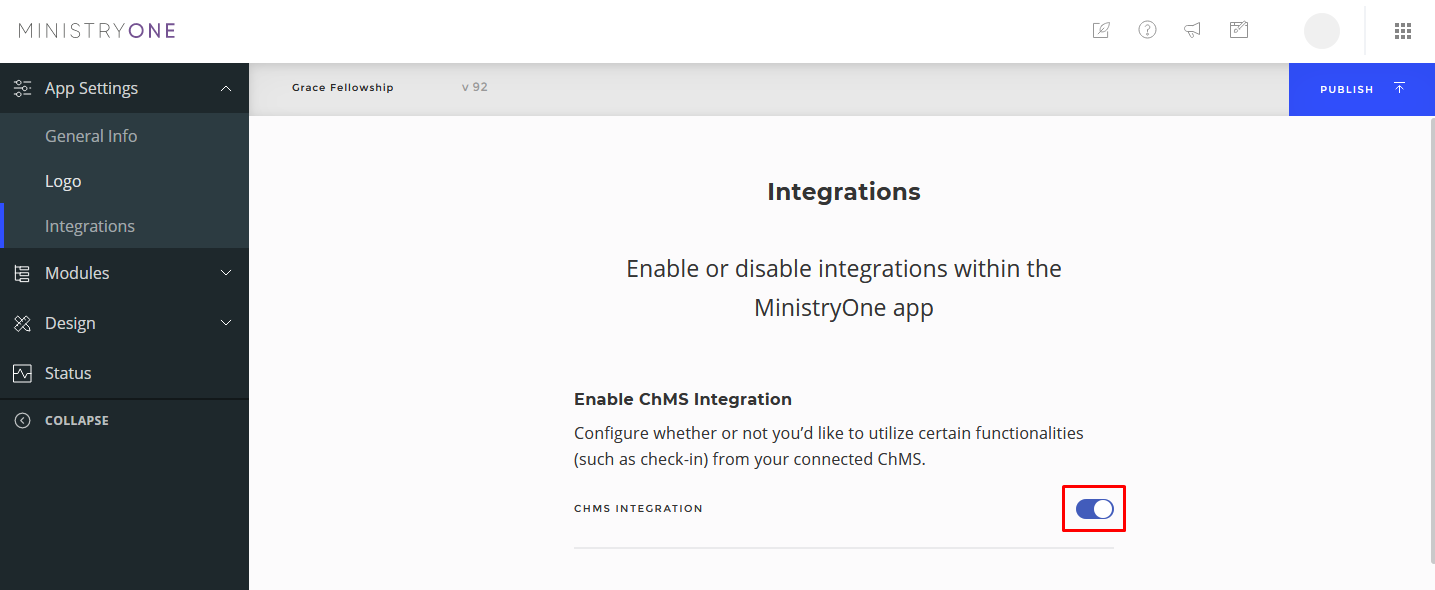
If you've not already done so, enable the integration between your ChMS and Mobile App
In the sidebar menu, expand Modules, select Enable Modules, and toggle on the People Module (below).
Click on People in the sidebar menu. You can change the menu icon or the in-app menu item name from "People" to "Directory" or something similar using the Edit pencil icon (below).
After adding these changes, remember to click Publish to take your changes live!
Important Notes
- For security, the Directory menu item will not appear in the mobile app unless:
- You are logged in to the Mobile App
- You are a member of the Directory Group (set within your People software).
- Members within the Directory Group can manage what personal information appears using Profile Visibility.
Updated